
Nano Banana 2.1 Image Editor
Edit pictures with text prompts using Nano Banana 2.1. Upload a reference photo, describe the change, and generate a new version in the browser.
Ready to create? Generate with Nano Banana 2.1.
AI image editing on Ai Imagora
Nano Banana 2.1 supports upload-and-edit workflows. Typical uses include background changes, style transformation, photo enhancement, character refinements, and object-focused edits when the prompt is specific about what to keep.
What you can try
- Background changes while preserving the subject
- Style transformation (lighting, mood, medium)
- Photo enhancement and detail cleanup via clear instructions
- Character or outfit adjustments with preserve language
- Creative image transformation from a starting photo
Example edit flow
Below is a documented workflow pattern. Use the demo to produce your own before/after pairs with real uploads — results depend on the photo and prompt.
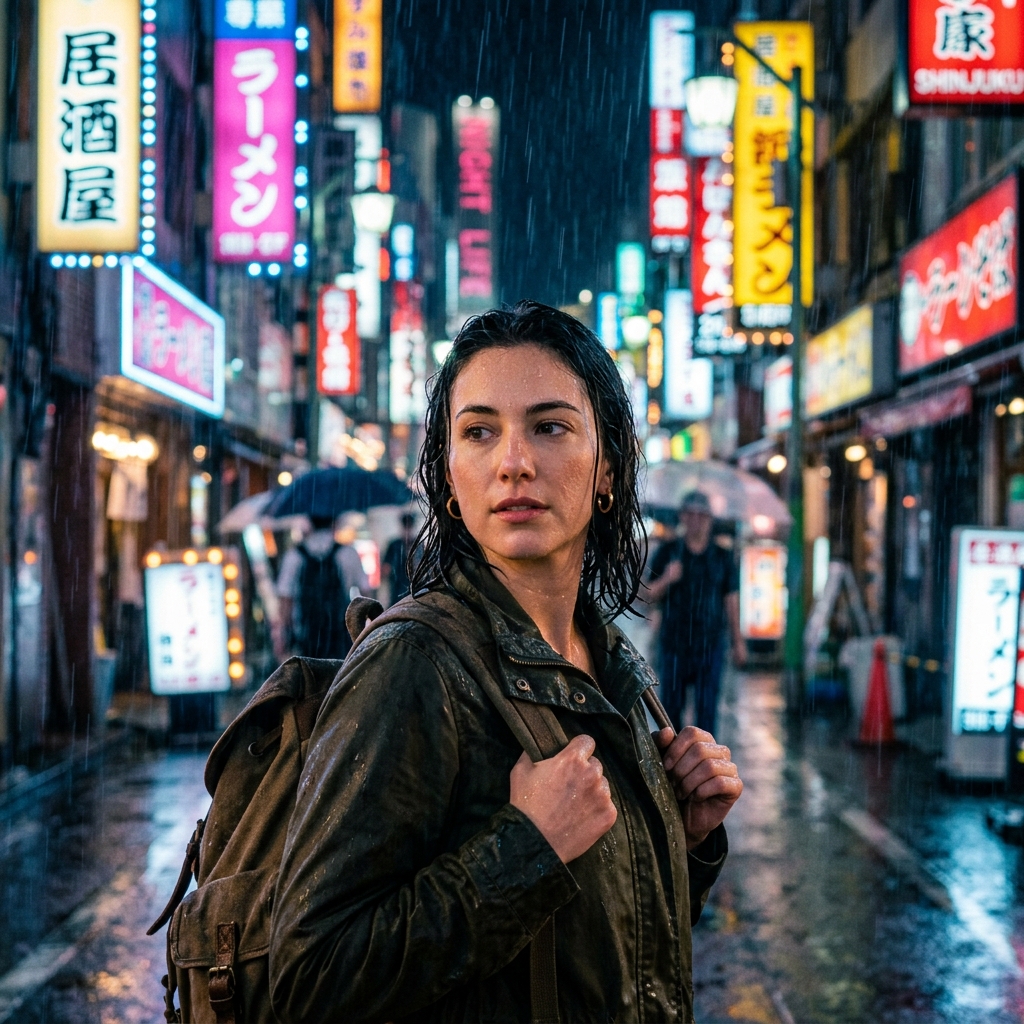
Prompt
Keep the person and clothing unchanged, replace the background with a soft studio gray seamless backdrop
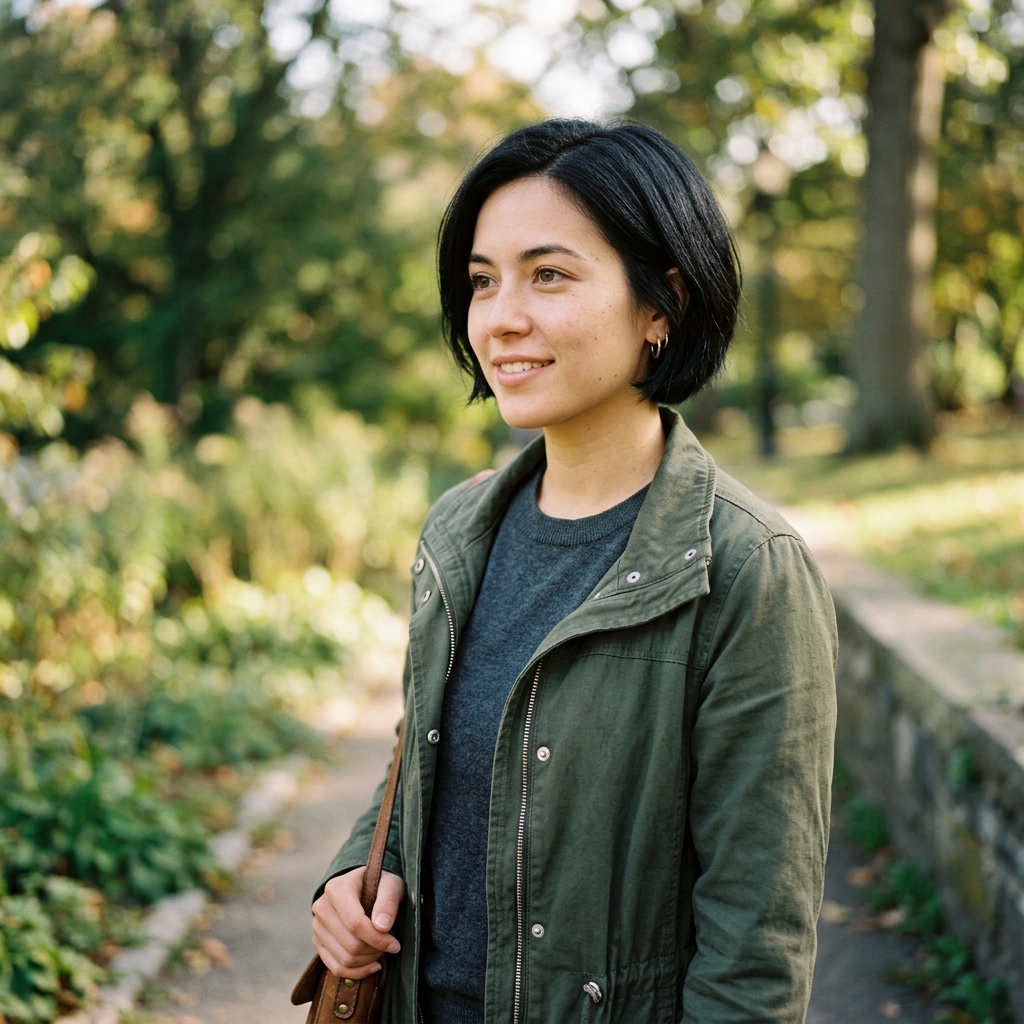
Quick workflow
- Register for free credits (required to generate).
- Open the generator and upload a JPEG, PNG, or WebP under 4MB.
- Write a clear edit instruction (what to change and what to preserve).
- Pick a resolution and run Generate.
- Download, or re-upload the result for another pass.
Learn more in the complete guide, copy editing prompts, or review benchmark notes.