
Nano Banana 2.1 Prompts
A curated prompt library for Nano Banana 2.1 — copy an example, adapt the details, and generate on Ai Imagora.
Ready to create? Generate with Nano Banana 2.1.
Each card includes a real generated image, the prompt used, why it works, suggested settings, and a Copy Prompt button. Try your own variations in the generator.
Categories
- Portrait Prompts
- Product Photography Prompts
- Fashion Prompts
- Anime Prompts
- Character Prompts
- Food Photography Prompts
- Architecture Prompts
- Landscape Prompts
- Poster Prompts
- Logo Prompts
- Marketing Prompts
- Image Editing Prompts
Portrait Prompts
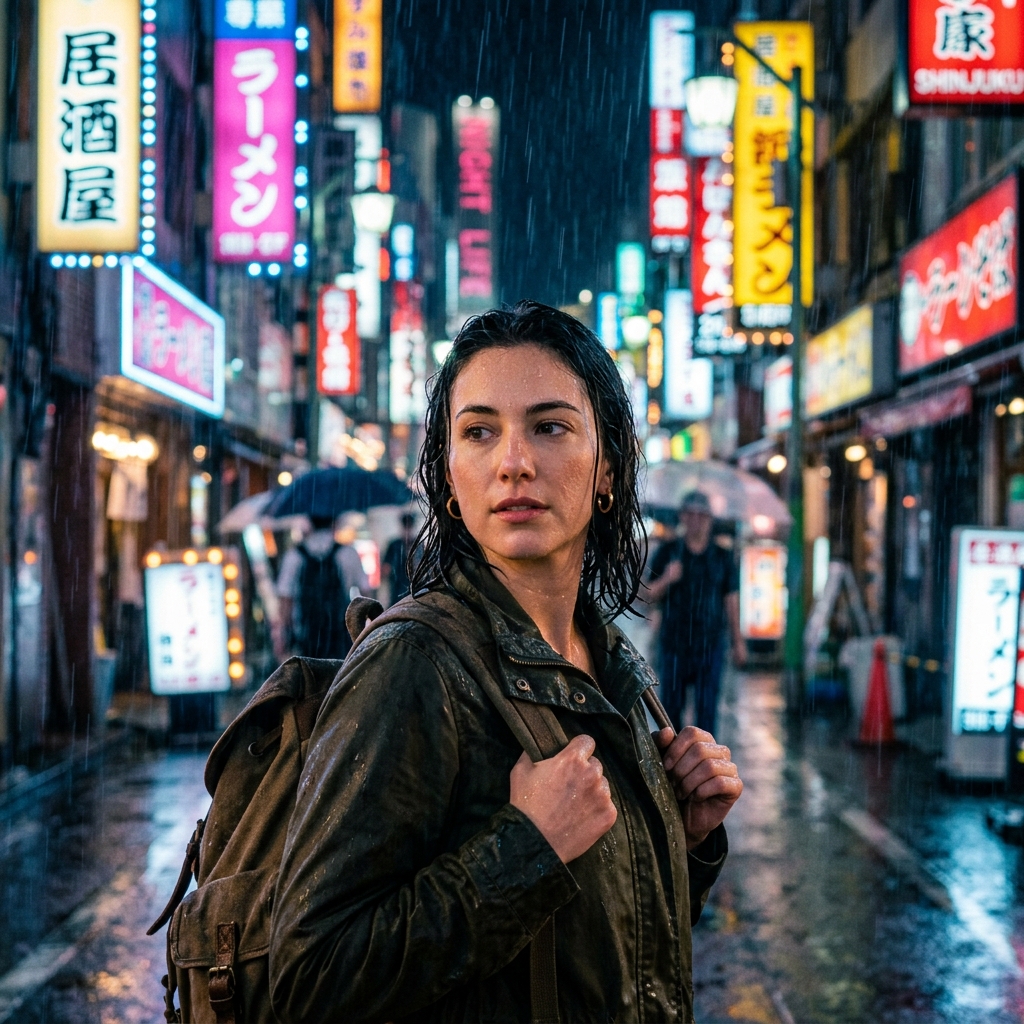
Portrait
Cinematic Portrait
Cinematic portrait of a traveler under neon rain, shallow depth of field, soft film grain, 85mm lens look, photoreal skin detail
Why it works: Lighting, lens, and weather cues steer the model toward a film still instead of a flat studio headshot.
Settings: 1024×1024 · text-to-image
Product Photography Prompts
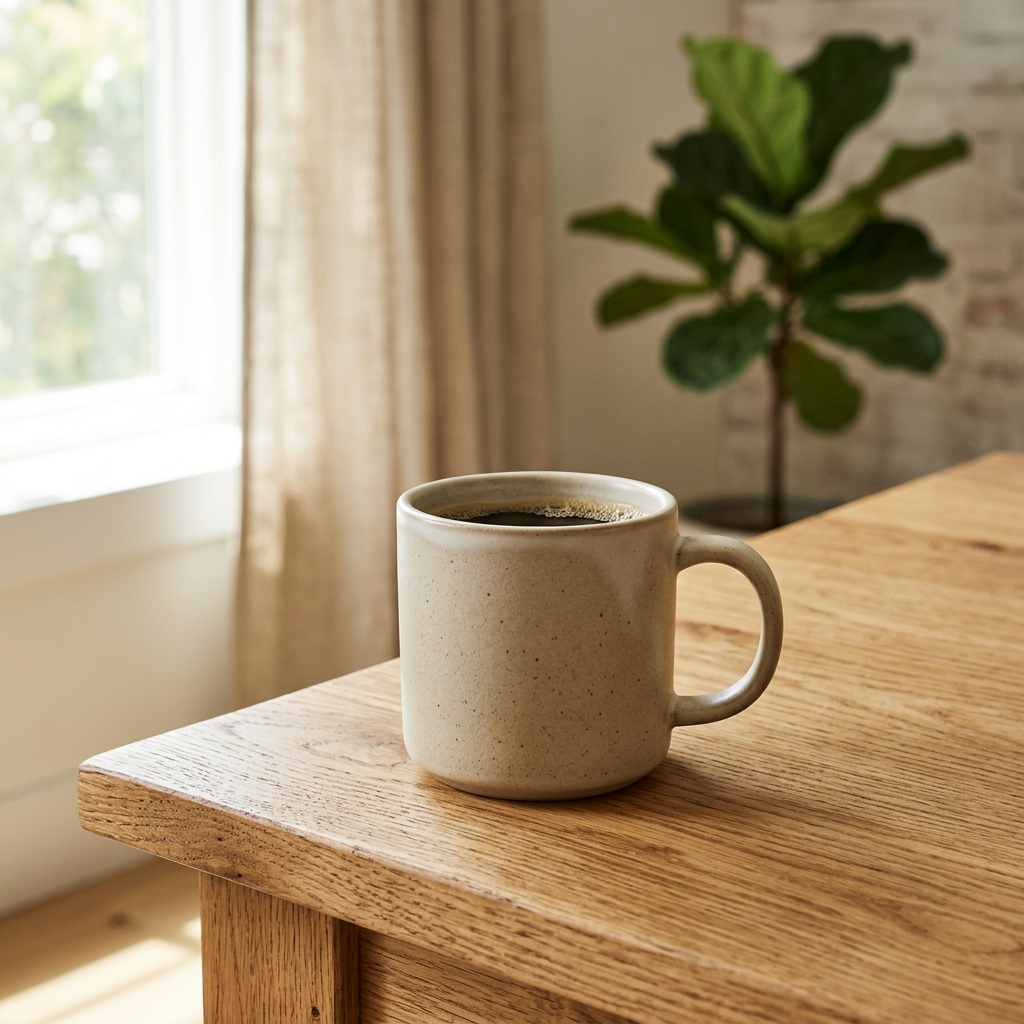
Product Photography
Product Photography
Studio product photo of a matte ceramic mug on oak table, soft window light, clean background, commercial catalog style
Why it works: Material, surface, and lighting language help keep the product readable and catalog-ready.
Settings: 1024×1024 · text-to-image
Fashion Prompts
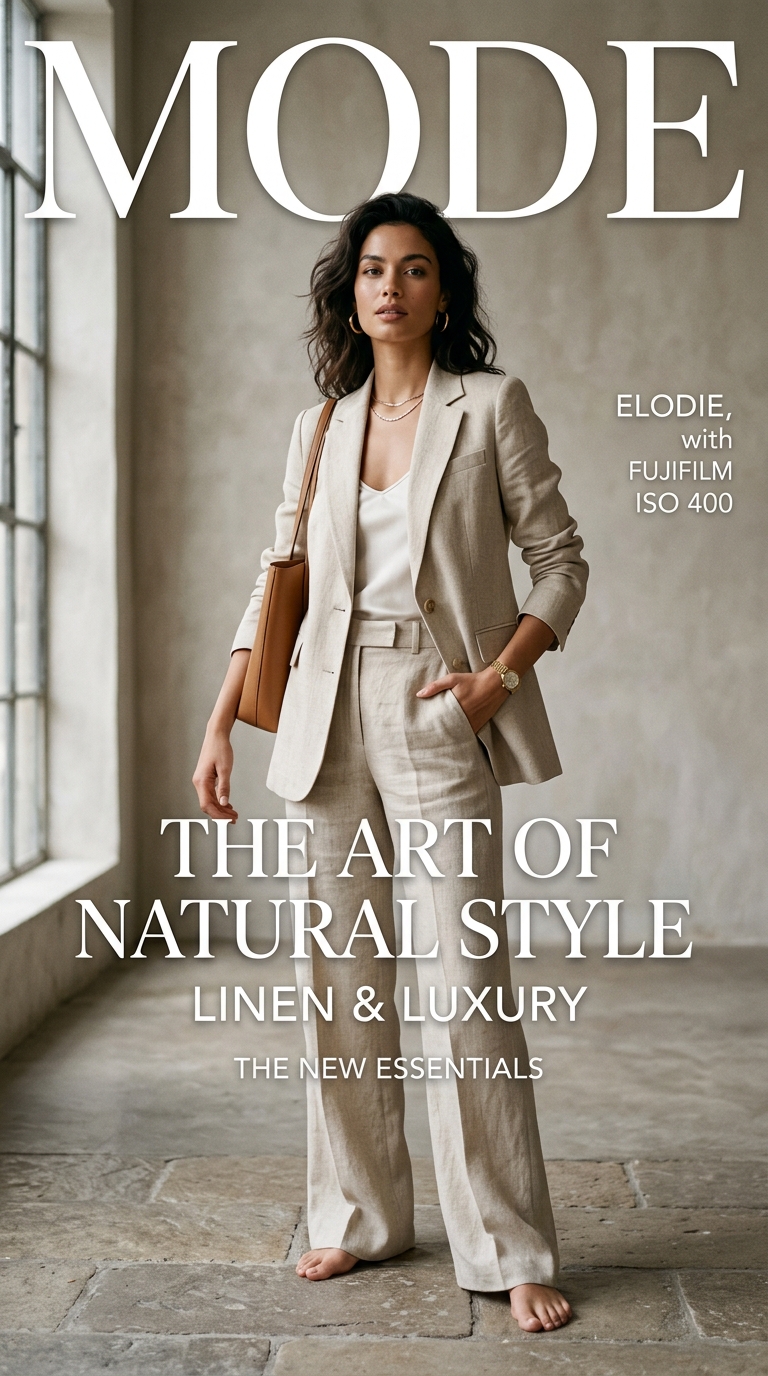
Fashion
Fashion Editorial
Fashion editorial photo of a model in a tailored linen suit, soft north light, neutral backdrop, magazine cover framing
Why it works: Wardrobe fabric + lighting setup reduces random clothing folds and keeps a clean editorial look.
Settings: 1024×1792 · text-to-image
Anime Prompts
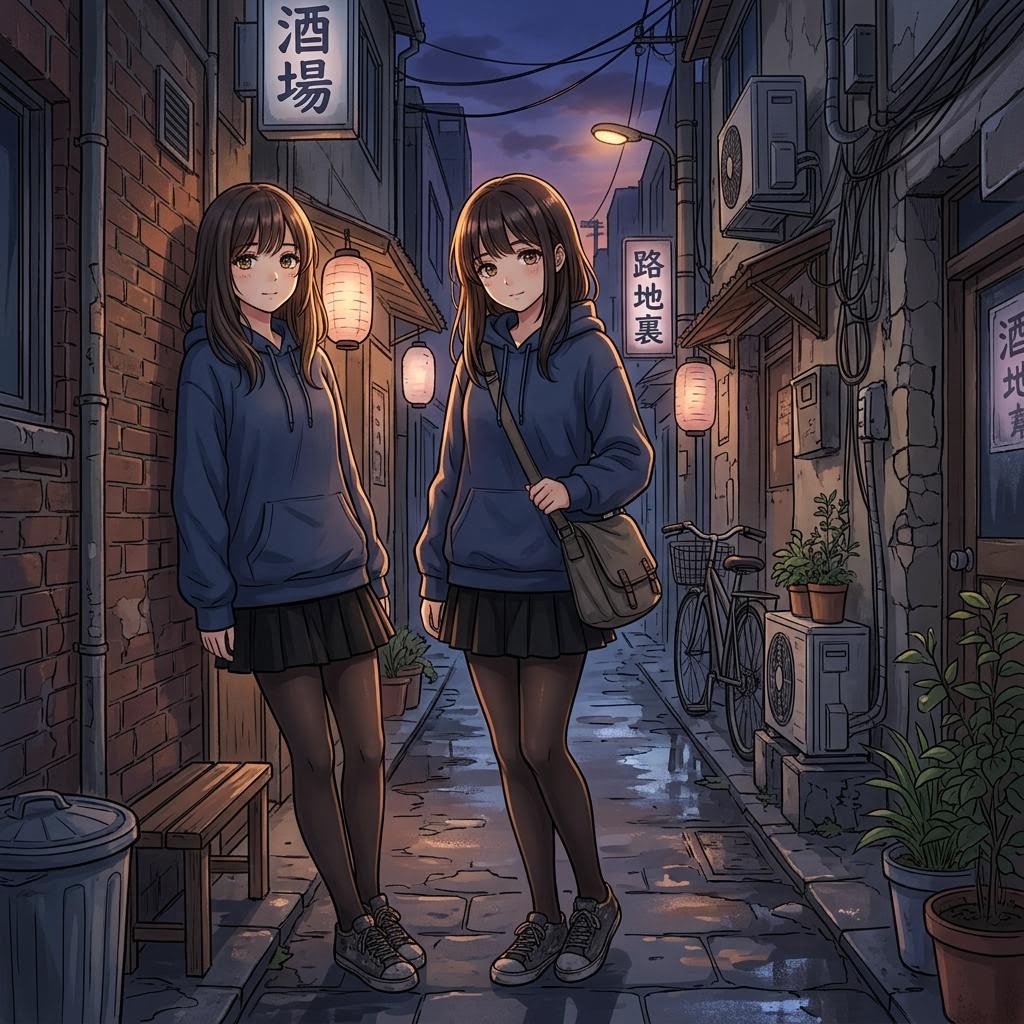
Anime
Anime Style
Anime-style character standing in a quiet alley at dusk, soft cel shading, detailed eyes, gentle rim light
Why it works: Style keywords plus lighting keep anime results coherent instead of mixed photoreal artifacts.
Settings: 1024×1024 · text-to-image
Character Prompts
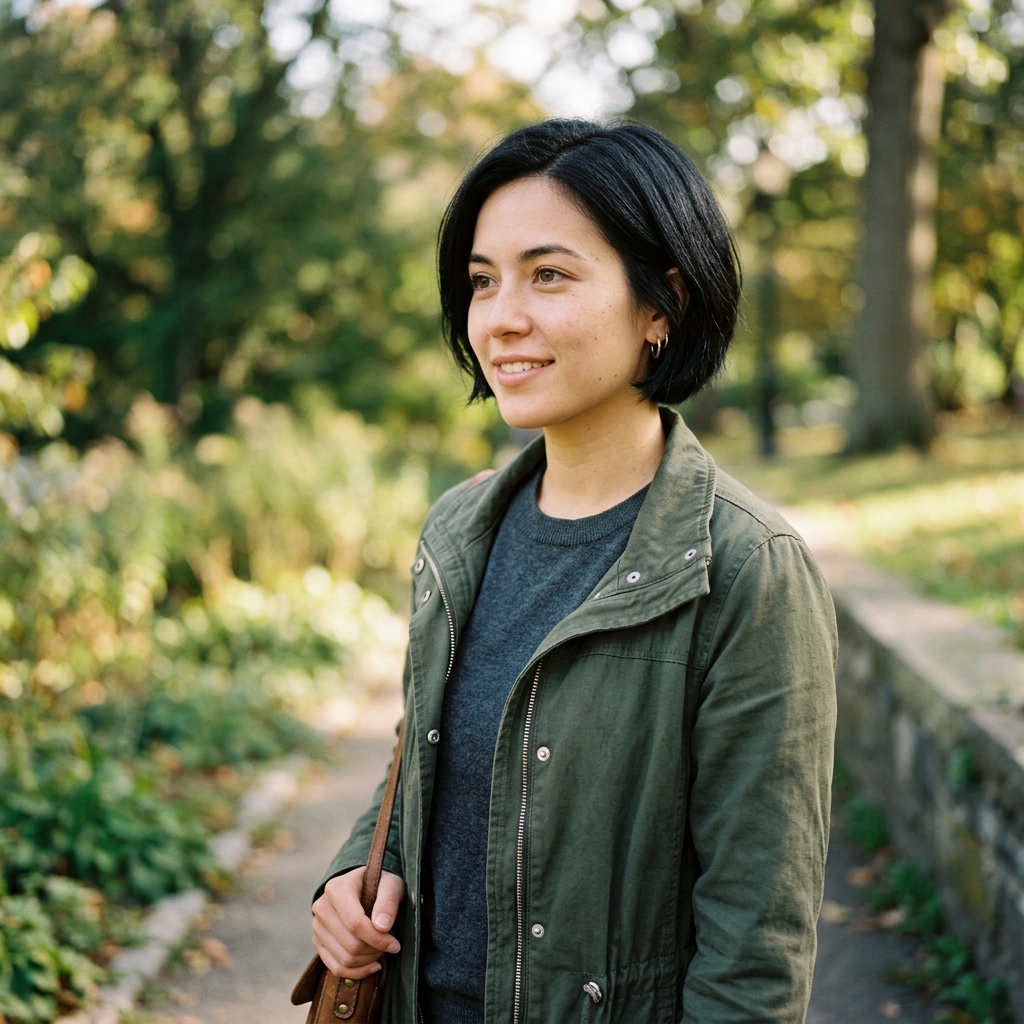
Character
Character Consistency
Same young woman with short black bob and green jacket, three-quarter view, consistent face and outfit, soft daylight
Why it works: Repeating identifiers (hair, jacket, age) helps keep a character recognizable across generations.
Settings: 1024×1024 · text-to-image or reference upload
Food Photography Prompts
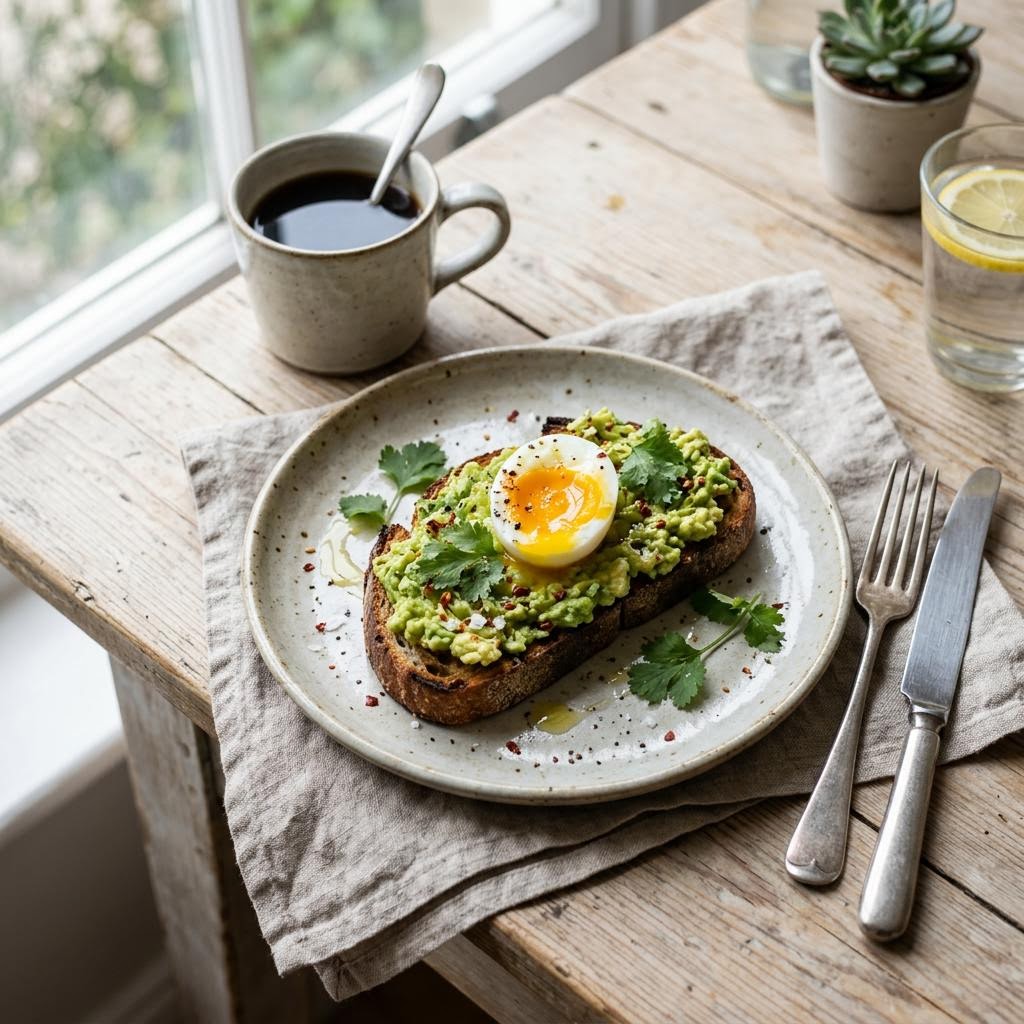
Food Photography
Food Photography
Overhead food photo of avocado toast on ceramic plate, morning window light, shallow depth of field, natural styling
Why it works: Camera angle and light direction keep food textures appetizing without over-stylizing.
Settings: 1024×1024 · text-to-image
Architecture Prompts
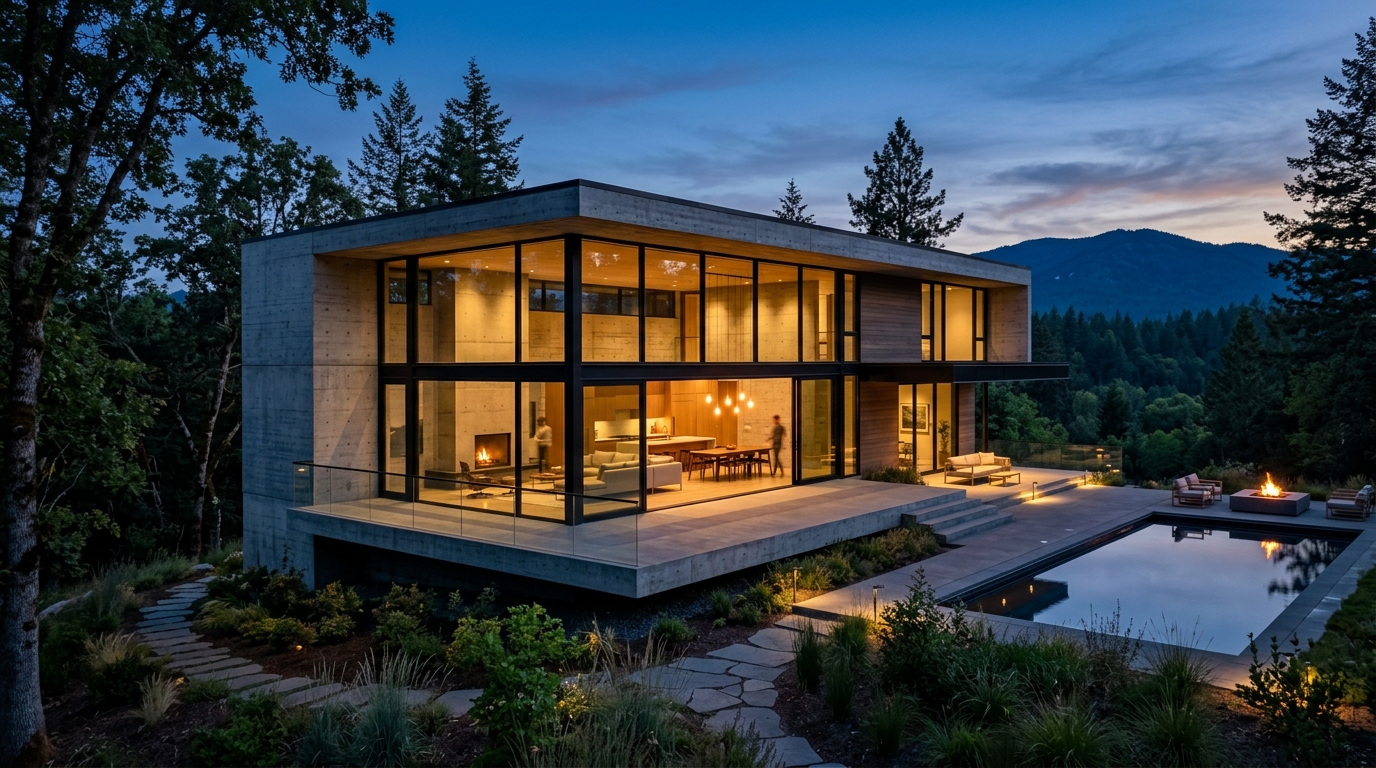
Architecture
Architecture Exterior
Modern concrete house with floor-to-ceiling windows, dusk blue hour, warm interior lights, architectural photography
Why it works: Material and time-of-day cues stabilize geometry and ambient lighting for exteriors.
Settings: 1792×1024 · text-to-image
Landscape Prompts
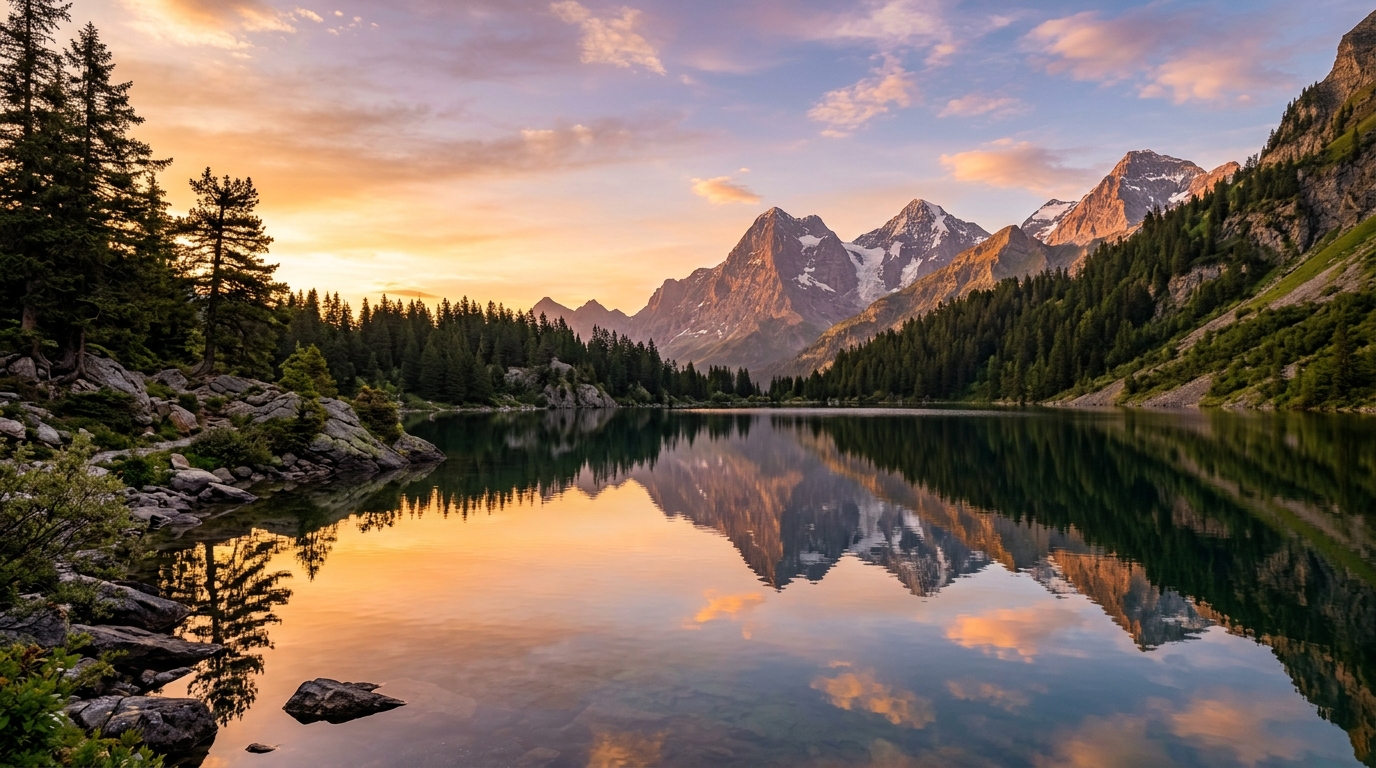
Landscape
Landscape Scene
Golden hour mountain lake reflection, crisp water detail, warm sky gradient, photoreal landscape, wide composition
Why it works: Time-of-day and reflection cues improve water and sky coherence in wide scenic shots.
Settings: 1792×1024 · text-to-image
Poster Prompts

Poster
Poster & Graphic
Minimal event poster design, bold centered title space, geometric shapes, muted teal and cream palette, print-ready layout
Why it works: Leaving clear title space and naming a palette makes the result more usable as a graphic base.
Settings: 1024×1792 · text-to-image
Logo Prompts

Logo
Logo Concept Mark
Simple geometric logo mark of a leaf inside a circle, flat vector style, two colors, centered on white background
Why it works: Flat vector + limited colors reduce noisy textures when exploring logo concepts.
Settings: 1024×1024 · text-to-image
Marketing Prompts
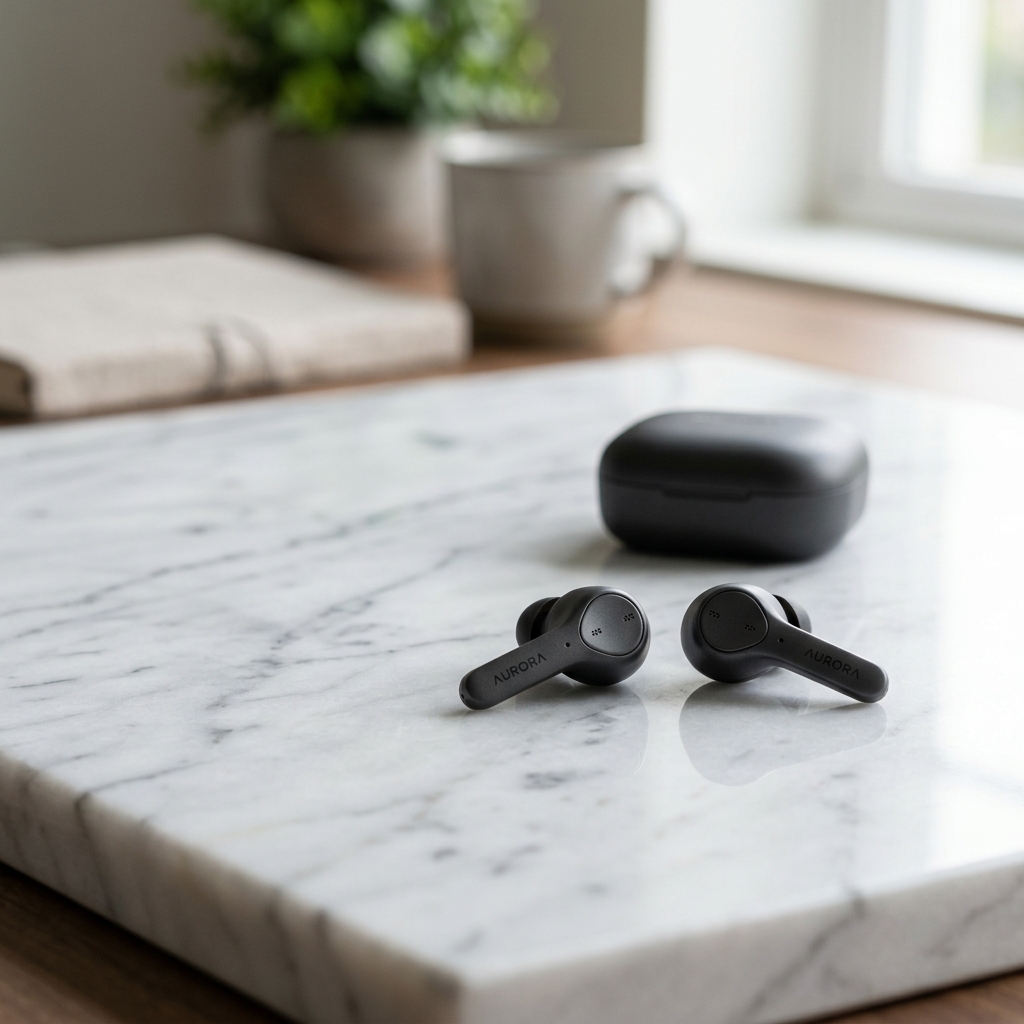
Marketing
Marketing Visual
Clean lifestyle ad visual of wireless earbuds on marble, soft reflections, ample negative space for headline text
Why it works: Negative space and product focus make the frame easier to use in ads.
Settings: 1024×1024 · text-to-image
Image Editing Prompts
Image Editing
Background Change Edit
Keep the person and clothing unchanged, replace the background with a soft studio gray seamless backdrop
Why it works: Explicit preserve/replace instructions work better for upload-based edits than vague restyles.
Settings: Upload reference · edit prompt
Next steps
Return to the Nano Banana 2.1 guide, try the image editor, or open the generator.